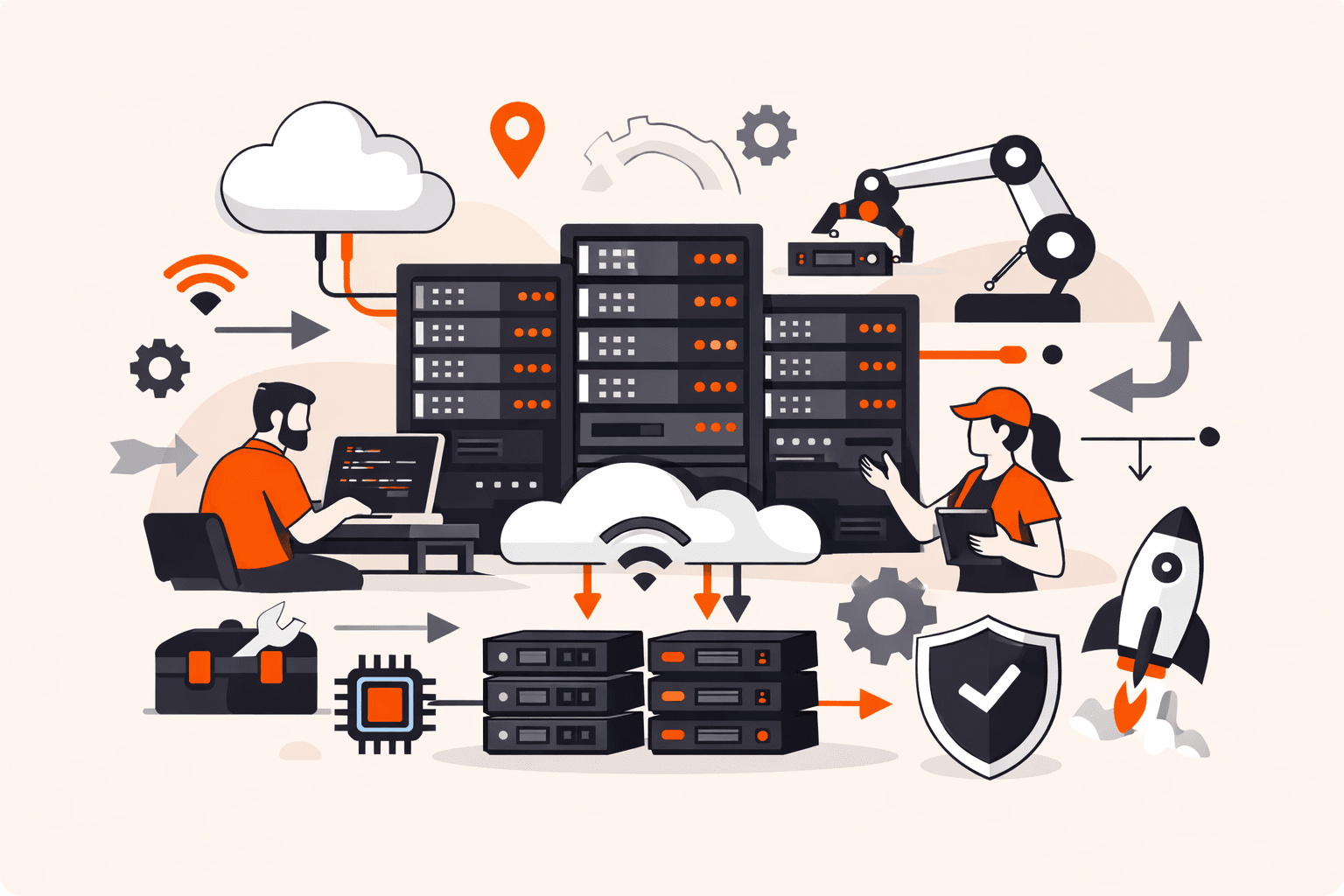
Your IT team just got approval for 50 new servers to handle a product launch. Manual setup means weeks of work, and here's the kicker: OS installation alone eats up to 90% of total provisioning time. Meanwhile, your competitors are deploying infrastructure in hours, not weeks.
The gap between manual and automated approaches isn't just about speed. When you're scaling to hundreds of servers, human error risks spike with each configuration. One misconfigured security setting, one inconsistent software version, and you're looking at vulnerabilities that could compromise your entire infrastructure. The stakes get higher as your environment grows.
Whether you're running physical data centers, virtual environments, or hybrid cloud setups, understanding how modern server provisioning works is critical. In this guide, you'll discover the complete process (from bare metal to virtual machines) and learn why automation has become non-negotiable for businesses that need to scale quickly while maintaining security and consistency across their infrastructure.
What is server provisioning?
Server provisioning is the process of preparing a server (physical or virtual) to be operational by installing its operating system, configuring network connections, adding necessary software and middleware, and applying security settings. This transforms bare hardware or allocated virtual resources into a functional system ready to handle specific workloads like hosting applications, storing data, or running databases. The process includes gathering requirements about the server's intended role, defining its configuration parameters, and ensuring it meets security and performance standards before going live.
Automation has become essential here. Manual provisioning works for a handful of servers, but when you're scaling to dozens or hundreds of machines, automated tools and scripts ensure consistency and speed while reducing configuration errors. OS installation alone can consume up to 90% of total provisioning time, which is why modern infrastructure teams rely on provisioning automation to deploy servers in minutes rather than hours or days.
How does server provisioning work?
Server provisioning works by preparing hardware or virtual resources through a series of configuration steps that transform raw infrastructure into operational systems ready for specific workloads. The process starts when you define requirements: what the server needs to do, which applications it'll run, and who needs access to it.
Here's what happens during provisioning. First, physical or virtual hardware gets allocated based on your specifications for CPU, memory, and storage capacity. The system then installs the operating system, which can take up to 90% of total provisioning time even in automated setups. Next, middleware, applications, and security protocols get configured according to your business requirements. The server connects to network infrastructure and storage systems, with firewall rules and access controls applied to protect data from the start.
Modern provisioning relies heavily on automation tools that use scripts and templates to ensure consistency across deployments. When you provision manually, admins handle each step individually: installing software, configuring settings, testing connectivity. Automated provisioning eliminates these repetitive tasks, reducing human error and cutting deployment time from hours to minutes. The server transitions from a pending state to active status once all components pass validation checks, making it ready for production use.
What are the main types of server provisioning?
Server provisioning types differ by infrastructure model and automation level. The main types are listed below.
- Physical server provisioning sets up dedicated bare metal hardware with direct access to CPU, memory, and storage resources. It offers maximum control and performance for workloads where virtualization overhead impacts speed. Physical provisioning takes longer than virtual methods and costs more upfront, but it's ideal for high-performance databases or applications requiring consistent low latency.
- Virtual server provisioning uses virtualization to partition one physical machine into multiple independent virtual servers, each with its own OS and resources. You get faster deployment times and better cost-effectiveness since multiple workloads share underlying hardware. Virtual provisioning scales quickly (you can spin up new instances in minutes rather than days), making it the go-to choice for flexible environments.
- Manual provisioning means admins handle each setup step by hand, from installing the OS to configuring network settings and security protocols. While this gives you complete oversight of every detail, it's time-consuming and prone to inconsistencies when you're managing dozens or hundreds of servers. Manual methods work for small deployments but don't scale effectively.
- Automated provisioning uses scripts and tools like Ansible to handle repetitive setup tasks, ensuring uniform configurations across all deployments. OS installation alone can take up to 90% of total provisioning time, which automation dramatically reduces. This approach reduces human error and lets you respond quickly to demand spikes, which is critical in cloud and hybrid infrastructures.
- Cloud provisioning gives you on-demand virtual servers through self-service portals, letting you provision resources without managing physical hardware. You pay only for what you use and can scale capacity up or down within minutes. This model works well for businesses that need flexibility without capital investment in data center equipment.
- Hybrid provisioning combines physical and virtual servers to balance performance needs with scalability requirements. You might run databases on bare metal for speed while hosting web applications on virtual instances for easy scaling. Hybrid setups give you flexibility to optimize each workload based on its specific demands.
What are the benefits of server provisioning?
Server provisioning benefits deliver measurable improvements in deployment speed, operational consistency, and cost effectiveness for IT infrastructure. The benefits are listed below.
- Faster deployment means automated provisioning cuts server setup time from days to minutes by eliminating manual installation steps. You can spin up dozens of servers simultaneously instead of configuring each one individually. OS installation alone accounts for up to 90% of provisioning time, and automation handles this without human intervention.
- Reduced human error matters because manual server configuration introduces inconsistencies when scaling to hundreds of machines. Automated provisioning applies identical settings across all deployments, ensuring every server matches your defined standards. This consistency prevents misconfigurations that cause security vulnerabilities or performance issues.
- Lower operational costs come from automation reducing the staff hours needed for server setup and maintenance. You'll spend less on hardware by provisioning virtual servers that share physical resources. Virtual provisioning can reduce energy costs by consolidating workloads onto fewer physical machines.
- Improved scalability lets you add capacity instantly when traffic spikes or business needs change. Virtual provisioning creates multiple independent servers on one physical machine without buying new hardware. This flexibility helps you respond to market demands without long procurement cycles.
- Enhanced security happens because provisioning builds in firewalls, access controls, and security protocols from the moment a server goes live. You're not scrambling to patch vulnerabilities after deployment. Protection is built into the initial setup. Standardized security configurations apply automatically to every new server.
- Better resource allocation means provisioning tools track which servers handle specific workloads, preventing resource waste. You can assign exact CPU, memory, and storage amounts based on application requirements. Virtual environments let you reallocate resources flexibly without physical hardware changes.
- Faster user access gives teams working servers immediately instead of waiting for IT to complete manual setups. Developers can provision test environments on demand without submitting tickets. This speed improves productivity across your organization.
What are the key server provisioning challenges?
Server provisioning challenges are the obstacles and complexities organizations face when setting up and deploying servers to meet business needs. The key challenges are listed below.
- Time-consuming deployment happens because manual provisioning can take days or weeks to complete, especially when you're setting up physical hardware. OS installation alone consumes up to 90% of total provisioning time in automated processes, creating bottlenecks when rapid deployment is critical.
- Configuration inconsistency increases when setting up hundreds of servers manually, which dramatically raises the risk of human error. Each server might end up with slightly different configurations, leading to unpredictable behavior and difficult troubleshooting across your infrastructure.
- Resource allocation complexity means determining the right hardware specifications, storage capacity, and network requirements for each server role isn't straightforward. Overprovisioning wastes money, while underprovisioning leads to performance issues that require time-consuming redeployment.
- Security integration gaps occur when applying firewalls, access controls, and security protocols from the start requires careful planning and execution. Missed security configurations during initial setup leave servers vulnerable and create compliance risks.
- Scalability limitations affect physical server provisioning, which offers full hardware control but lacks the flexibility to scale quickly when demand changes. Custom hardware ordering slows deployment significantly compared to scalable solutions that can adapt to market demands.
- Cost management challenges arise because physical provisioning is more expensive than virtual alternatives, with higher upfront hardware costs and ongoing maintenance expenses. Balancing performance requirements with budget constraints while maintaining operational effectiveness creates ongoing financial pressure.
- Network connectivity setup requires connecting servers to storage systems, middleware, and networks with precise configuration to ensure proper communication. Network misconfigurations can cause service disruptions that aren't always easy to diagnose or resolve quickly.
- Automation tool complexity exists because while automation reduces errors and speeds deployment, using tools like Ansible requires technical expertise and upfront investment. Organizations must train staff and maintain automation scripts as infrastructure requirements evolve.
How to choose the right server provisioning plan?
The right provisioning plan depends on your workload requirements, budget constraints, and how quickly you need to scale. Here's what to evaluate:
- Deployment speed requirements. If you need servers operational within minutes, automated provisioning with virtual machines delivers the fastest results. Physical server provisioning typically takes hours or days, though automated bare metal solutions can reduce this significantly.
- Workload performance sensitivity. Performance-critical applications that can't tolerate virtualization overhead benefit from bare metal provisioning. Virtual provisioning works well for most workloads where resource sharing doesn't impact performance.
- Budget and cost structure. Virtual provisioning costs less upfront since you're sharing physical resources across multiple servers. Physical provisioning requires higher initial investment but gives you dedicated hardware without the "noisy neighbor" problem.
- Scaling patterns. If your infrastructure needs to expand and contract frequently, automated virtual provisioning lets you spin up resources on demand. Physical servers make more sense for steady-state workloads with predictable capacity needs.
- Automation capabilities. Look for provisioning tools that integrate with your existing infrastructure management systems. Solutions using configuration management tools like Ansible reduce manual errors and ensure consistent deployments across your environment.
- Security and compliance requirements. Some regulated industries require physical isolation that only bare metal provisioning provides. Virtual environments can meet most security needs when properly configured with network segmentation and access controls.
- Management overhead tolerance. Automated provisioning reduces the time admins spend on repetitive setup tasks. Remember that OS installation alone can consume 90% of provisioning time. Manual provisioning only makes sense for small deployments or highly specialized configurations.
What is the difference between server provisioning and configuration?
Server provisioning differs from configuration primarily in timing and scope: provisioning sets up a new server from scratch to make it operational, while configuration manages and tunes an already-provisioned server for specific tasks or changes.
Think of provisioning as building the foundation. You're installing the operating system, connecting the server to your network, setting up storage, and applying baseline security controls. This happens once when you first deploy a server. The goal is to get from bare hardware (or a blank virtual machine) to a functional system that can accept workloads. OS installation alone can consume up to 90% of total provisioning time in automated workflows.
Configuration happens after provisioning is complete. You're adjusting settings, deploying applications, updating software versions, modifying access permissions, and fine-tuning performance parameters. These tasks repeat throughout the server's lifecycle as business needs evolve. For example, you might reconfigure a web server to handle increased traffic or update database connection strings when migrating services.
The distinction matters for automation strategy. Provisioning tools focus on rapid, consistent deployment of new infrastructure (critical when you're scaling to hundreds of servers where manual errors multiply). Configuration management tools like Ansible handle ongoing maintenance, ensuring your fleet stays compliant with policies and adapts to changing requirements without reprovisioning from scratch.
How can Gcore help with server provisioning?
Gcore helps with server provisioning through Bare Metal servers and managed cloud infrastructure that automate deployment across 210+ global locations. You get predictable provisioning times with pre-configured hardware options that significantly reduce the setup time typically spent on OS installation.
The Gcore platform lets you spin up bare metal or virtual servers in minutes rather than weeks, with automated network configuration, security hardening, and storage allocation built into the provisioning workflow. You don't need to manually configure each server. Define your requirements once, and the automation replicates that setup consistently across your entire deployment.
The key advantage: you can scale from one server to hundreds without the error risks that come with manual provisioning, while maintaining full control over hardware specifications when performance matters. Gcore infrastructure supports both physical and virtual provisioning strategies, so you can choose the right balance of control versus flexibility for each workload.
Explore Gcore Bare Metal and cloud infrastructure at gcore.com/cloud.
Frequently asked questions
What's the difference between manual and automated server provisioning?
Manual provisioning requires admins to physically install operating systems, configure networks, and set up software on each server (a time-consuming process prone to inconsistencies when scaling to hundreds of machines). Automated provisioning uses scripts and tools like Ansible to deploy servers in minutes with standardized configurations, reducing errors and cutting OS installation time by up to 90%.
How long does server provisioning typically take?
Provisioning time ranges from minutes for virtual servers to several hours or days for physical bare metal servers. OS installation alone can consume up to 90% of total automated provisioning time, while manual processes take significantly longer due to hands-on configuration steps.
What are the security considerations for server provisioning?
Security considerations start with hardening configurations, including firewalls, access controls, patch management, and encrypted protocols to protect against unauthorized access and vulnerabilities. Automated provisioning tools help enforce consistent security policies across all servers, reducing misconfigurations that create attack vectors.
How much does server provisioning cost?
Server provisioning costs vary widely based on server type, ranging from $50 to $500 monthly for virtual servers and $100 to several thousand monthly for bare metal servers with specialized hardware. Automated provisioning tools reduce long-term costs by reducing manual labor and configuration errors.
What tools are needed for automated server provisioning?
Automated server provisioning requires configuration management tools like Ansible, Puppet, or Chef, along with orchestration platforms that integrate with your infrastructure to execute scripts and templates. These tools handle OS installation, software deployment, network configuration, and security setup consistently across physical or virtual environments.
Can server provisioning be integrated with DevOps workflows?
Yes, server provisioning integrates directly into DevOps workflows through Infrastructure as Code (IaC) tools like Ansible, Terraform, and Puppet that automate server setup within CI/CD pipelines. This lets development teams provision environments on-demand for testing, staging, and production deployments without manual intervention.
What are the requirements for cloud server provisioning?
Cloud server provisioning requires a defined server specification (CPU, RAM, storage), an operating system image, network configuration details (IP addresses, DNS settings), and access credentials for authentication. Automation tools like Ansible or Terraform simplify the process by scripting these requirements for consistent, rapid deployment across multiple instances.
Related articles

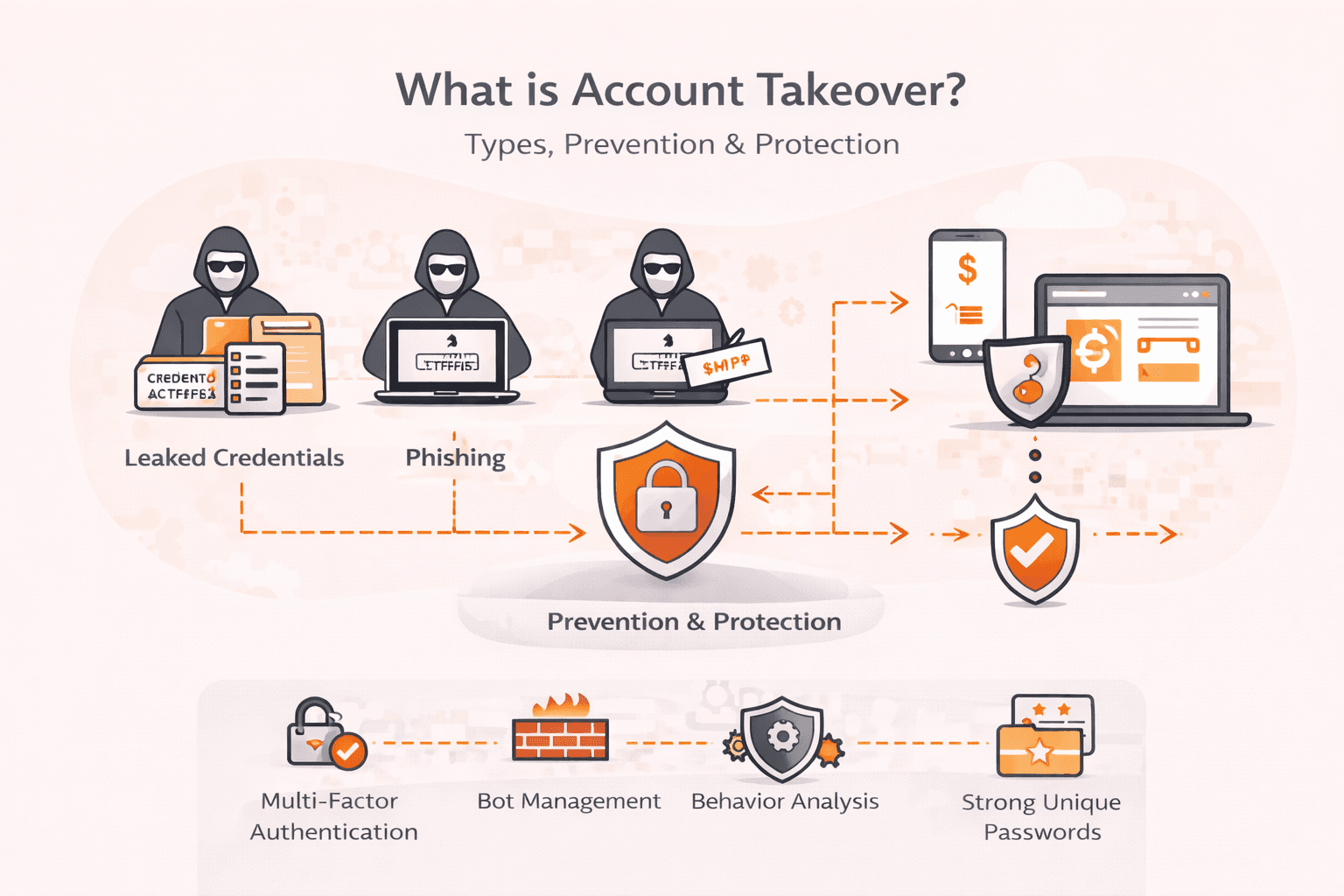
You click a link in what looks like a routine email from your bank, and within seconds, $5,000 vanishes from your account, transferred to a stranger while you were simply logged in to your banking app. Many legacy web applications have vuln

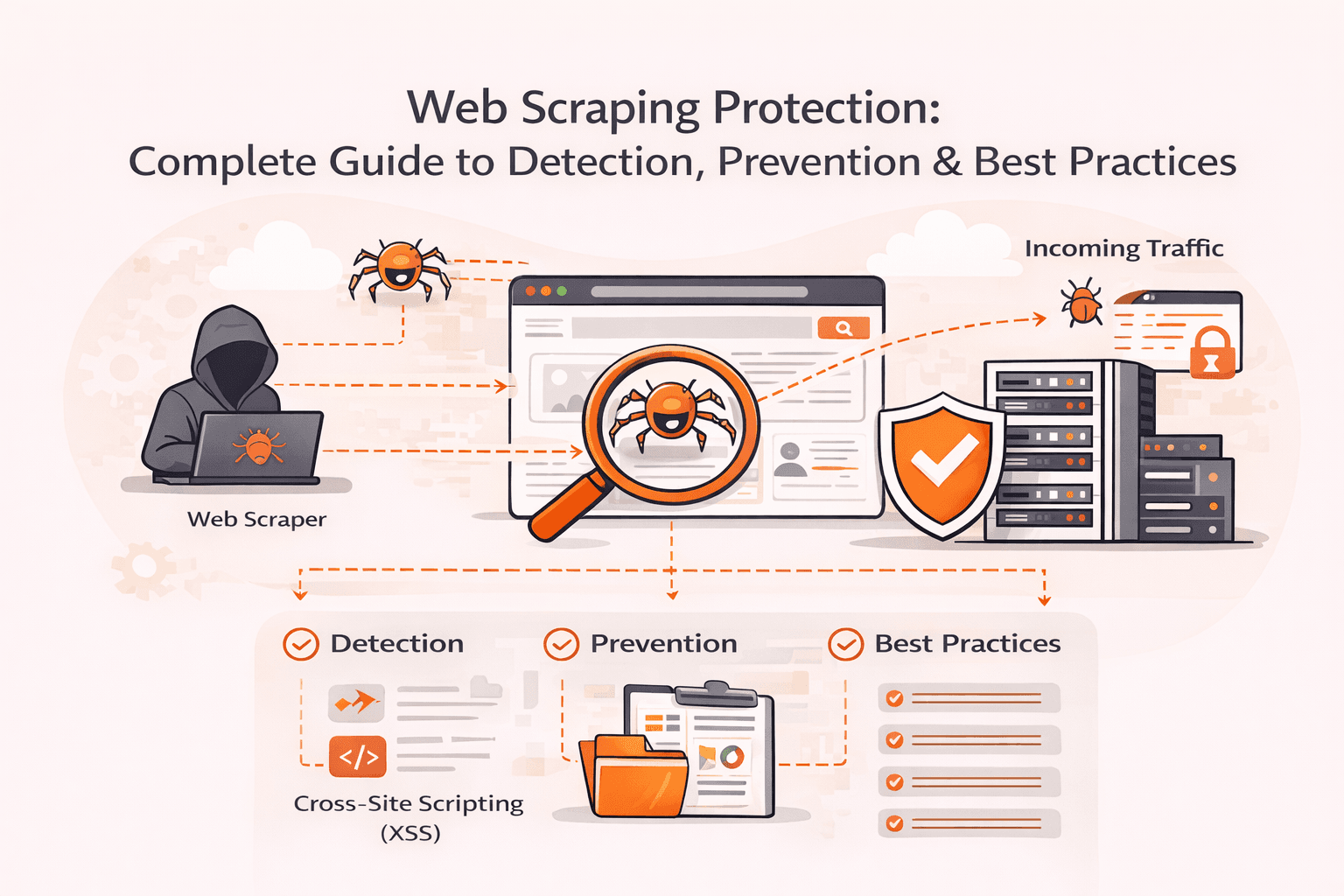
Your server load suddenly spikes by 400%. Legitimate customers can't access your site. Competitors are methodically copying your product descriptions, pricing data, and proprietary content. Modern scraping bots are draining your resources a
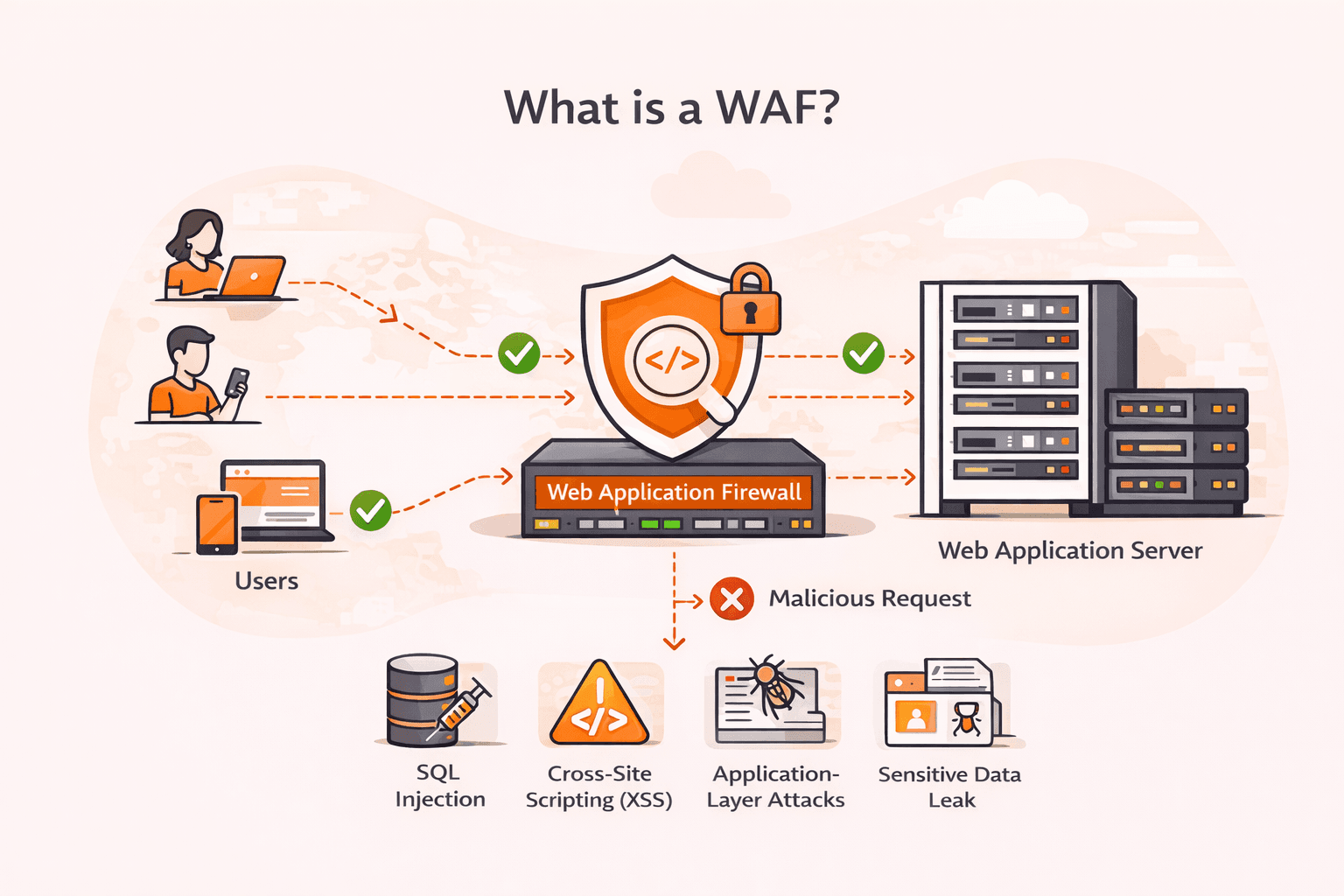
Your web application just processed what looked like a normal login request, but it was actually an SQL injection attack that exposed your entire customer database. Cross-site scripting (XSS), SQL injection, and other application-layer atta
Subscribe to our newsletter
Get the latest industry trends, exclusive insights, and Gcore updates delivered straight to your inbox.